
HTX Referral Code & KYC Change Guide
Get 54% payback with FuturesAI
miqkc223Referral Code Change & KYC Change Method
HTX (formerly Huobi) does not allow referral code changes. To receive the 54% payback benefit, you must create a new account. Up to 3 accounts per person are allowed.
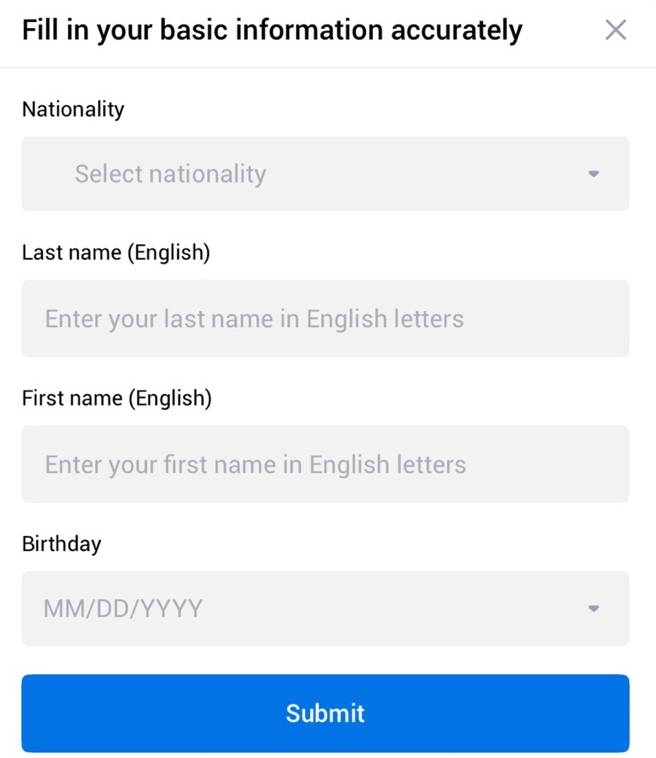
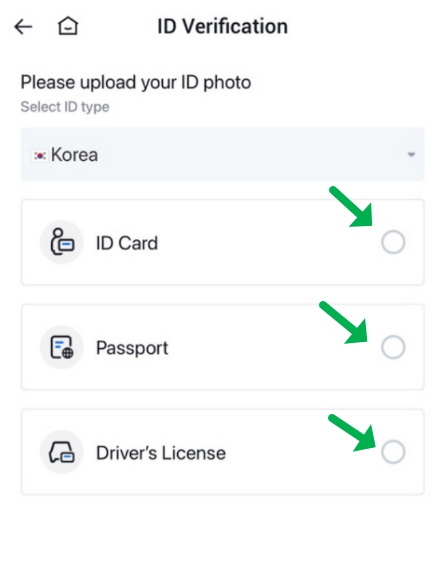
You can use a passport, driver's license, or national ID card for KYC verification, each one time.
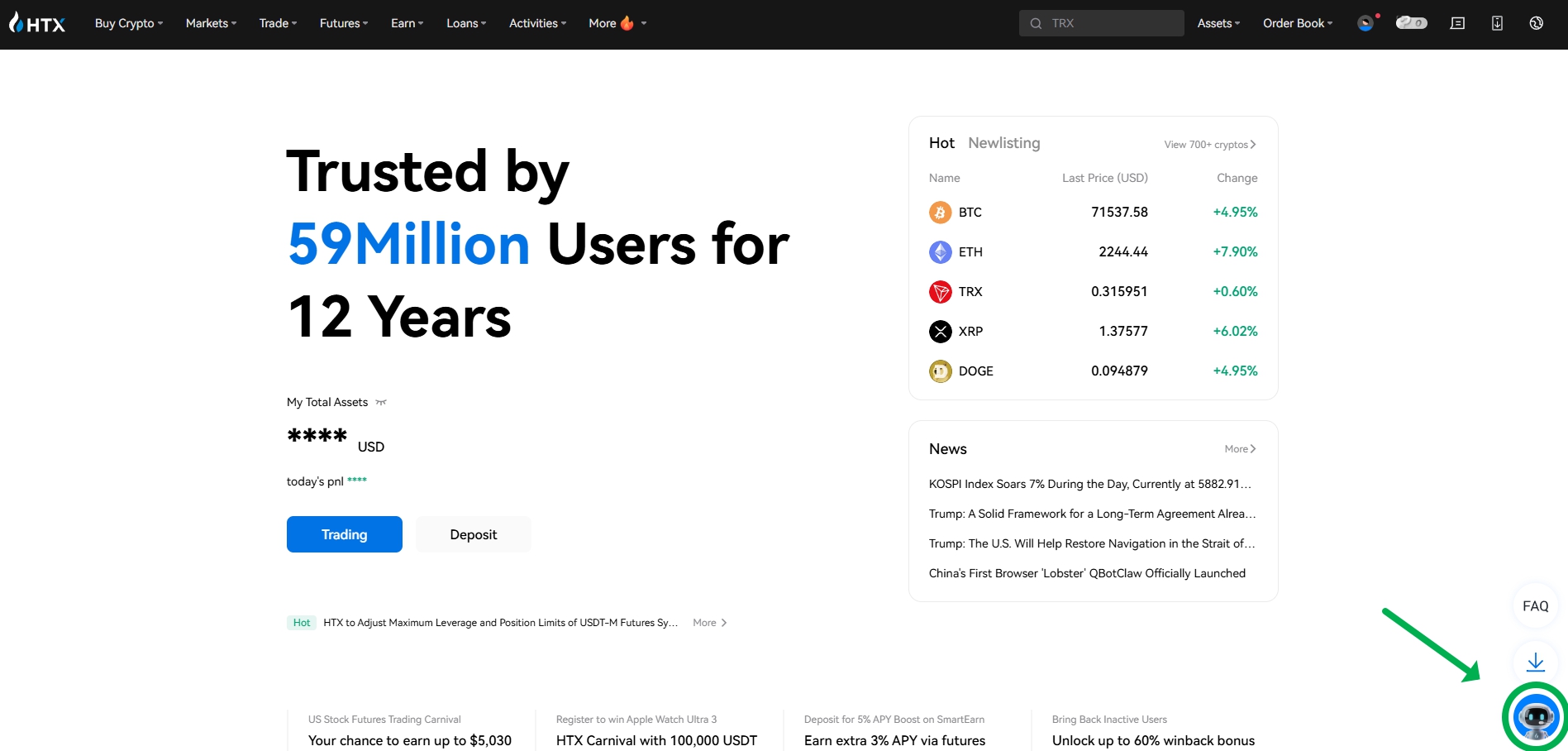
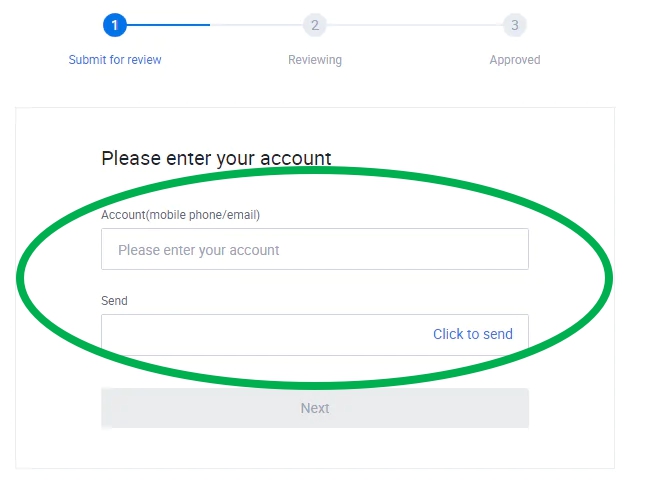
How to Delete Existing Account (Cancel KYC)
After logging into HTX, access the help center at the bottom right. Click the profile icon → select 'Contact Support' from the bottom menu.
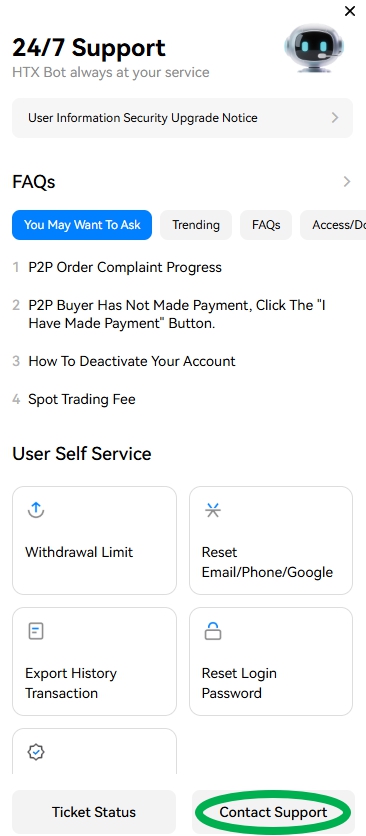
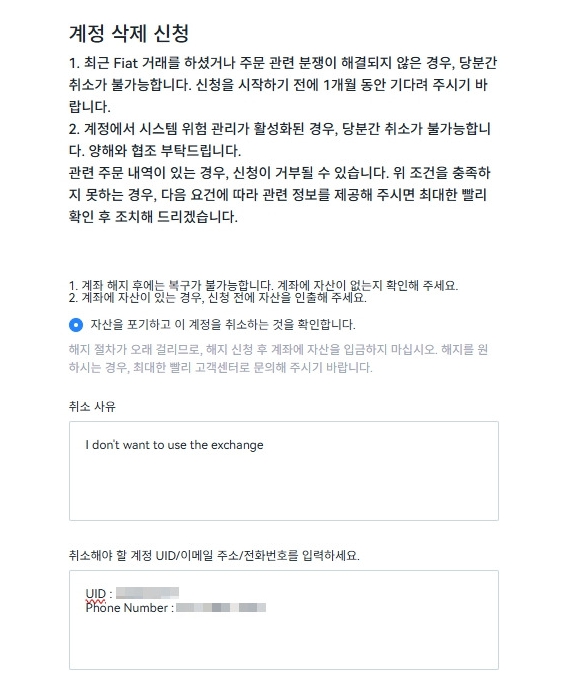
In the Help Center, search for "Close account" or "Delete account", or submit a request directly.
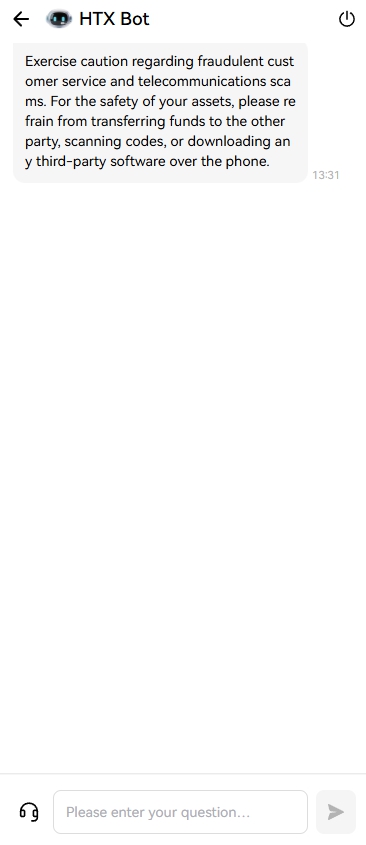
For security, they may request ID verification or a confirmation email to your registered address.
How to Sign Up for 20% Payback with FuturesAI
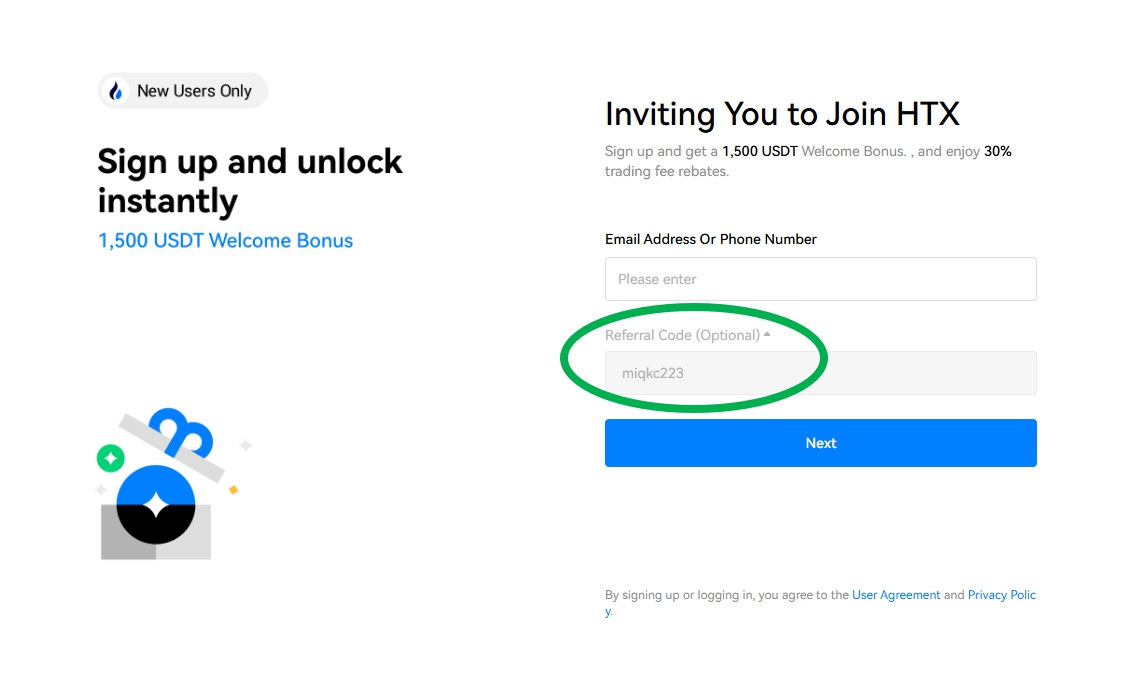
You must sign up through the FuturesAI code to receive the 54% payback benefit.
FuturesAI HTX Discount CodeAfter accessing through the link, enter a new email or phone and password, verify the referral code "miqkc223" is correctly entered, then create a new account.
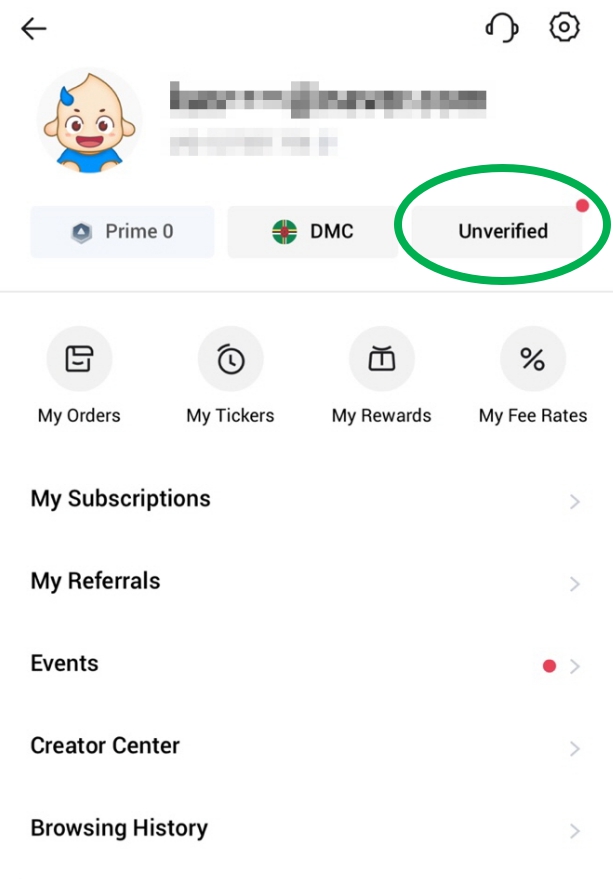
Log in with your new account and click 'Unverified'. You must select an ID method not used on the previous account.
Need Help?
If you need assistance during the process, reach out to the FuturesAI community.